
How It Works
Claim Your Package
Our warehouse team posts clear photos of newly received return packages so customers and suppliers can identify them quickly.
Review posted photos
Note the package details
Contact our team
Receive claim confirmation
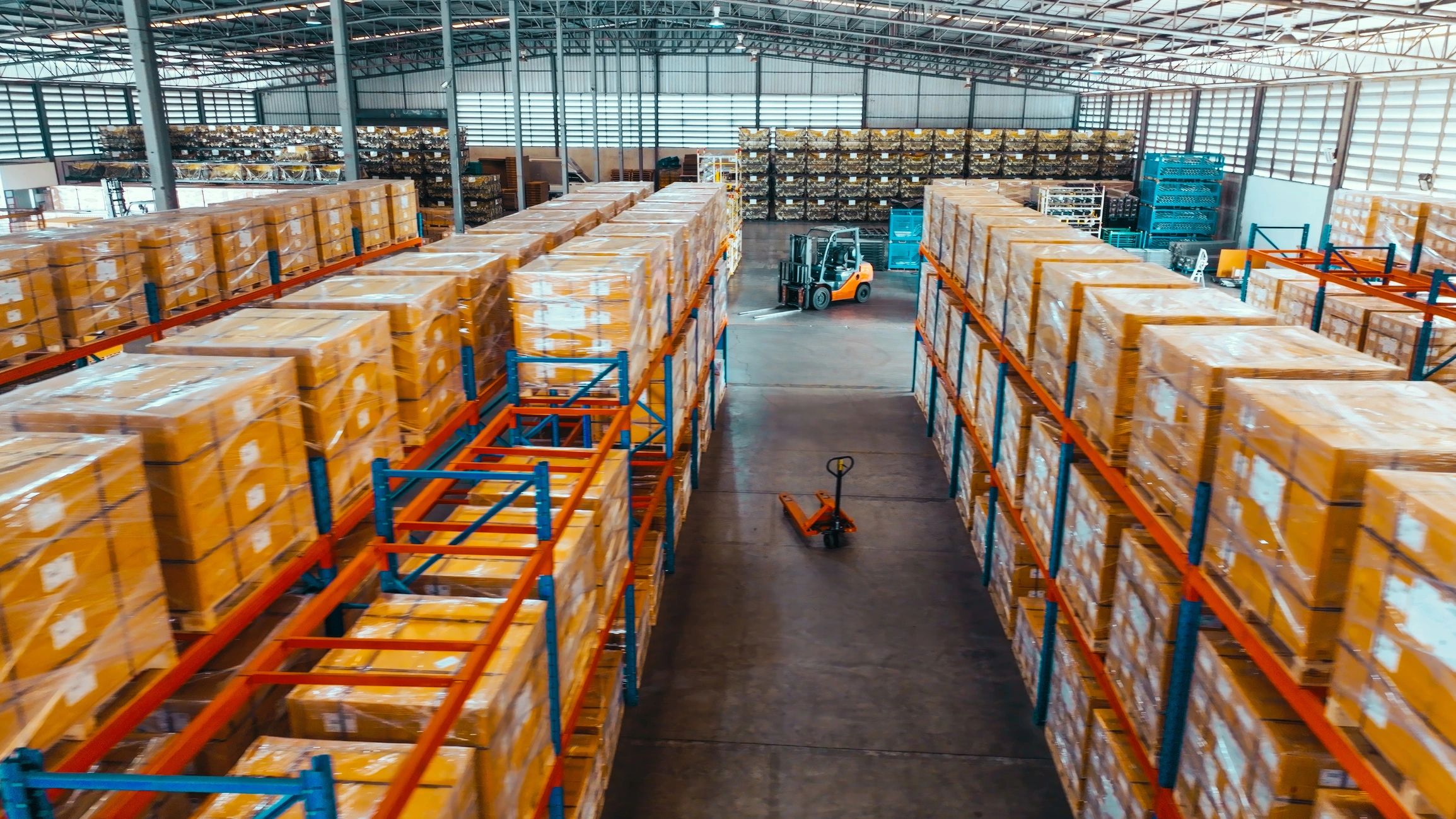
Photo Board
Recently Posted Returns
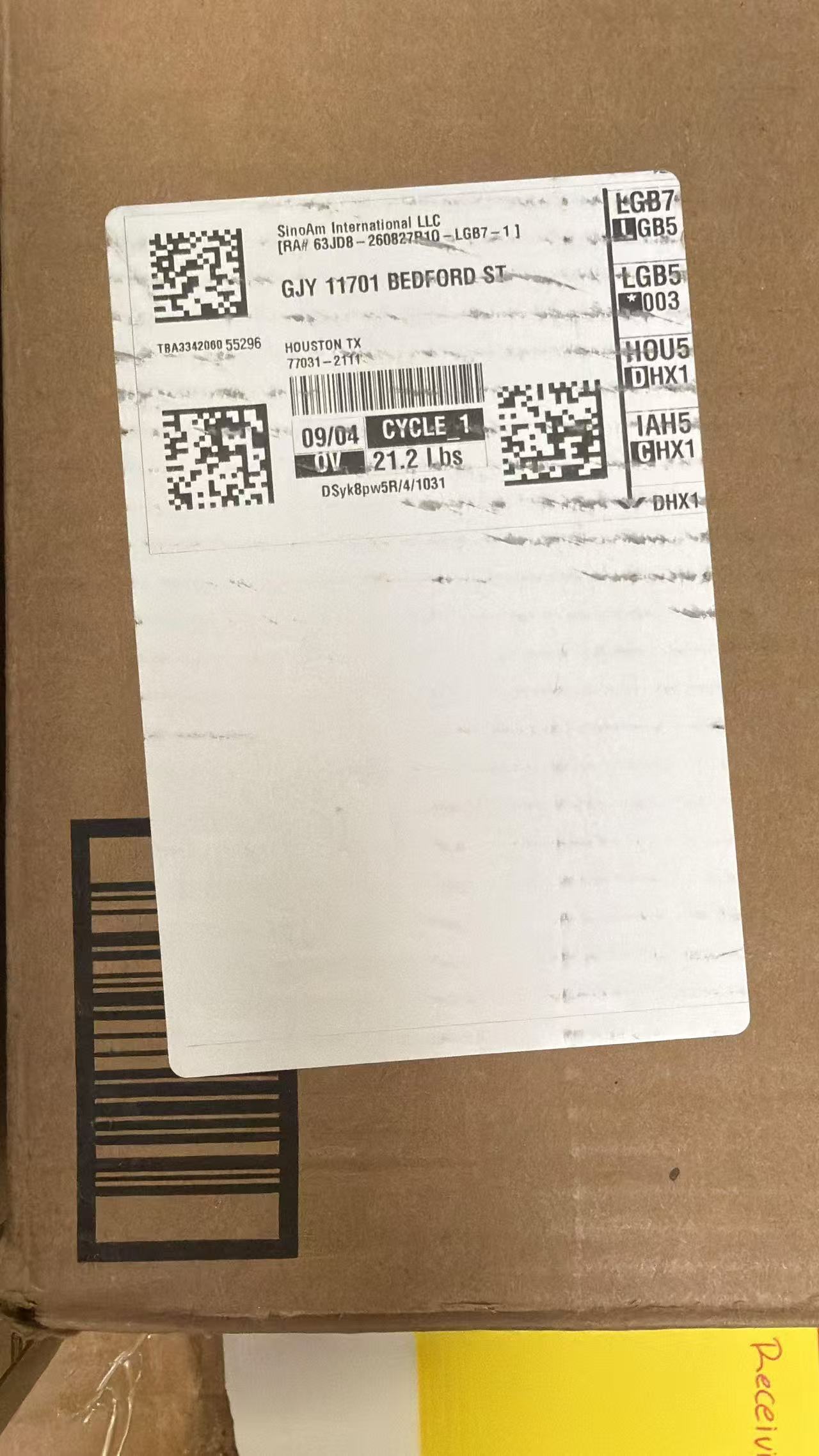
Package Photo 01
New return
Staff: select this image to replace or upload a new package photo. Add the date, carrier, and visible reference number. Do not publish customer names or full addresses.
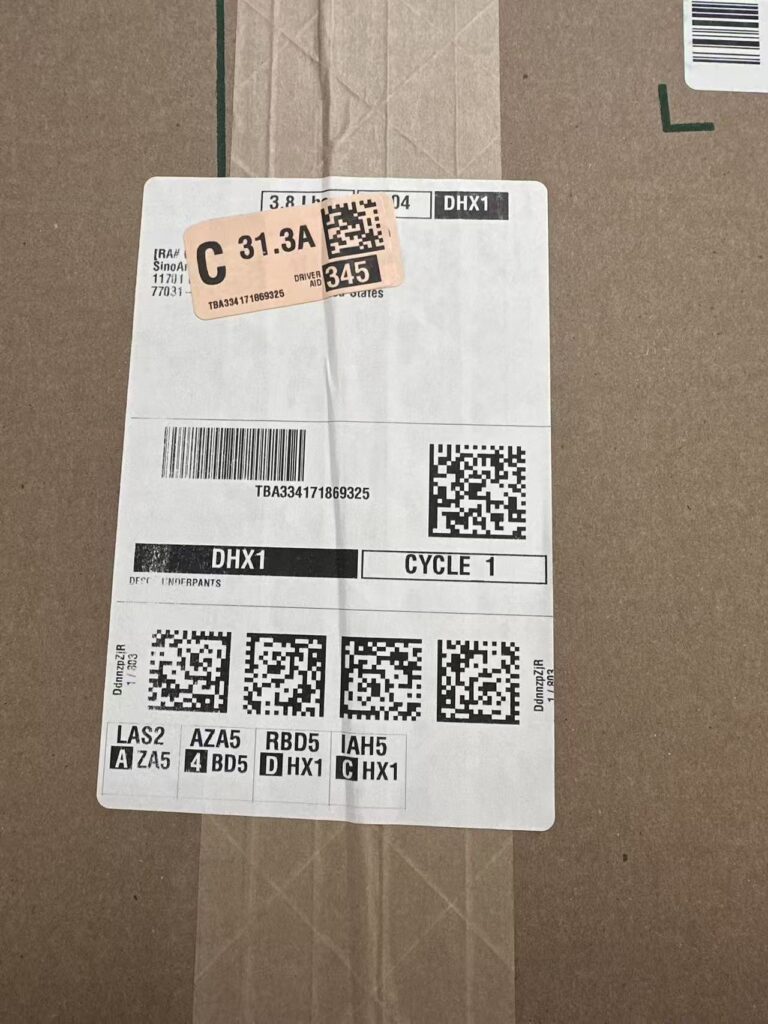
Package Photo 02
New return
Staff: select this image to replace or upload a new package photo. Add the date, carrier, and visible reference number. Do not publish customer names or full addresses.
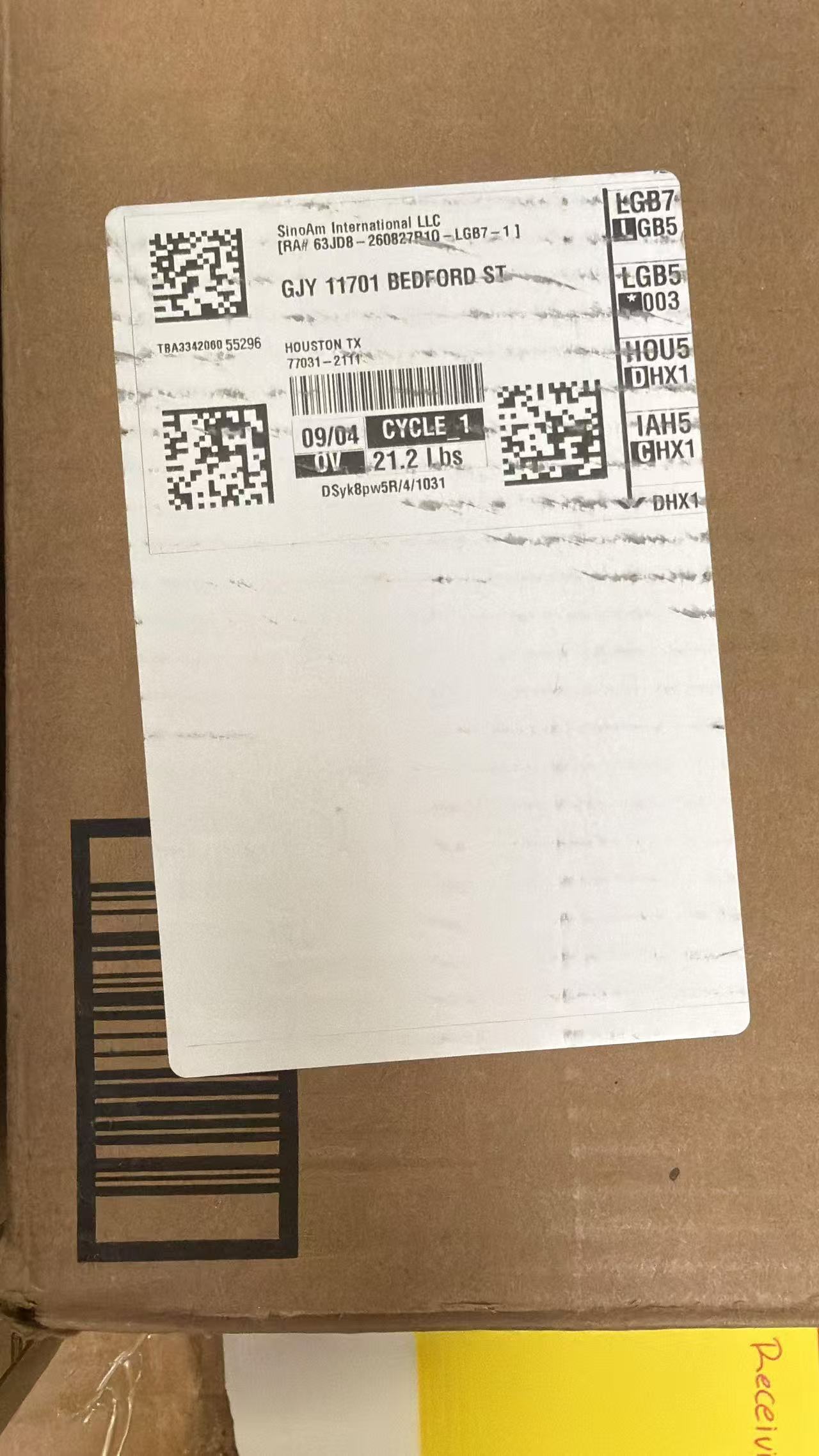
Package Photo 03
New return
Staff: select this image to replace or upload a new package photo. Add the date, carrier, and visible reference number. Customers should provide matching shipment details when claiming.
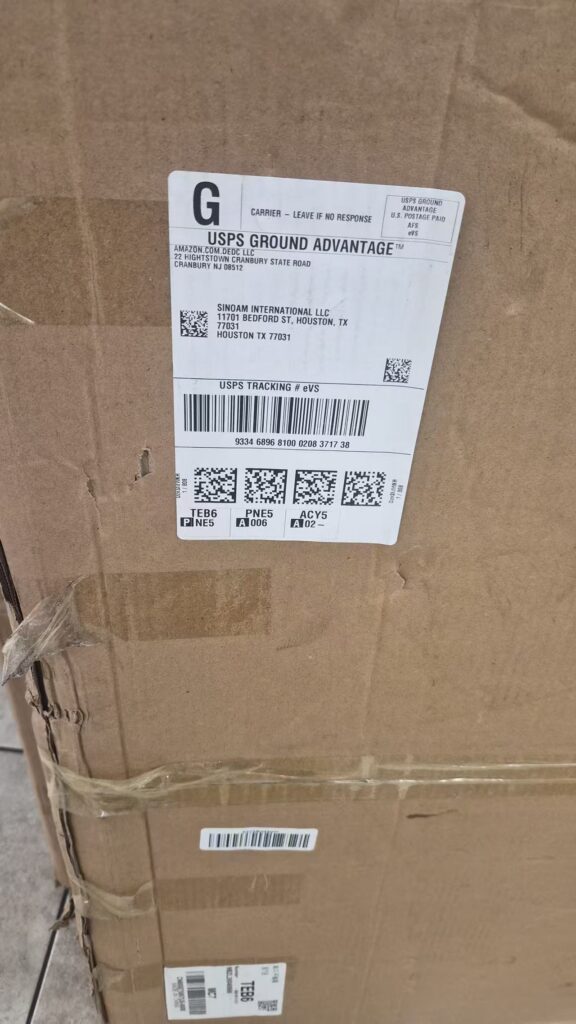
Package Photo 04
New return
Staff: select this image to replace or upload a new package photo. Add the date, carrier, and visible reference number. Remove or archive photos after the package has been claimed.